Steps
1
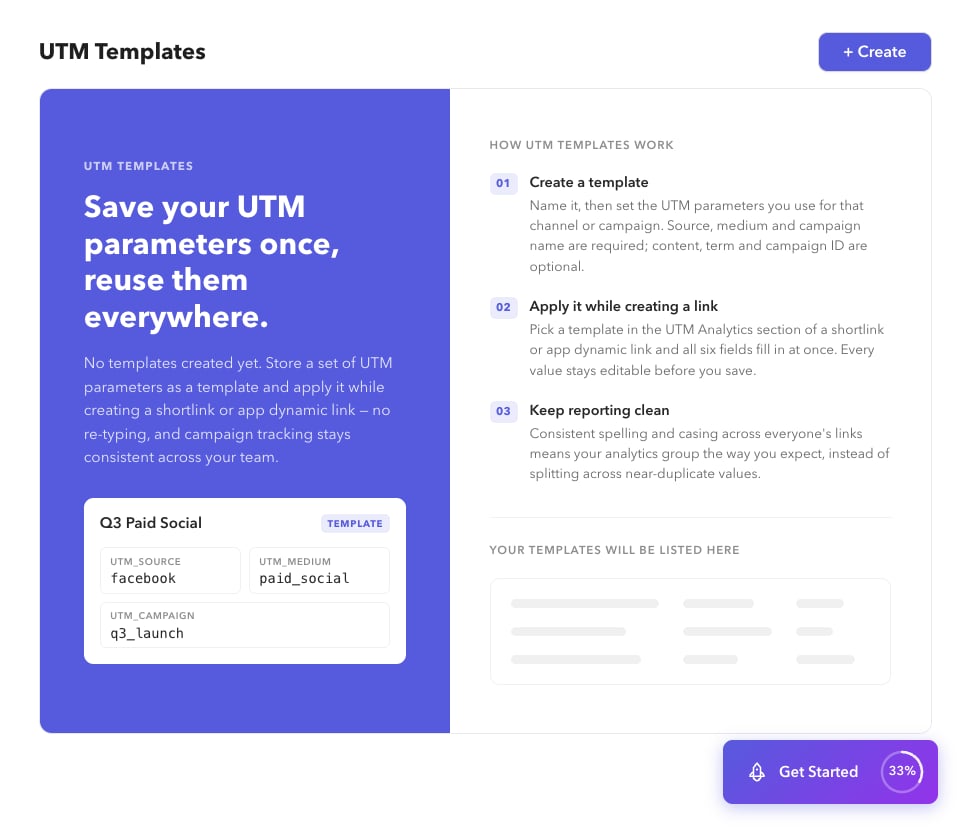
Open UTM Templates
Go to Settings → UTM Templates (
/app/settings/utm-templates).2
Create a template
Choose + Create, fill the UTM fields, and save (
/app/settings/utm-templates/create).3
Edit or delete
Open a template to edit, or delete it from the list when it is no longer needed.
4
Apply on a shortlink
On create or edit shortlink, enable UTM Analytics and select the template. You can also create a template from the shortlink form modal.