Steps
1
Open customize
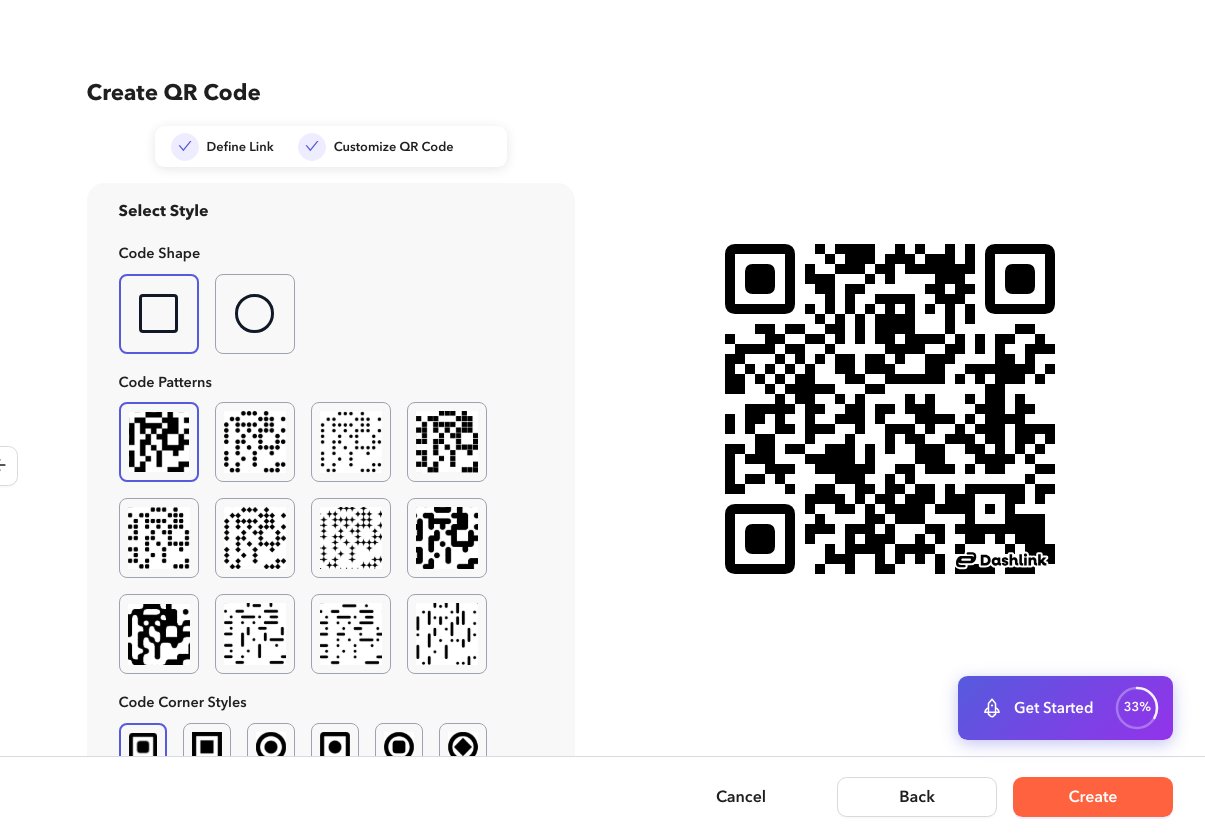
Create or edit a QR code and open the customize step (
/app/qrcode/create or /app/qrcode/edit?q=…).2
Adjust the option
On the customize step, choose a color preset or open advanced colors for pattern, corners, and background when your plan allows.
3
Save
Create or update the QR code.