Prerequisites
- Destination type is URL.
- Preview image upload may be plan-gated.
Steps
1
Open create or edit
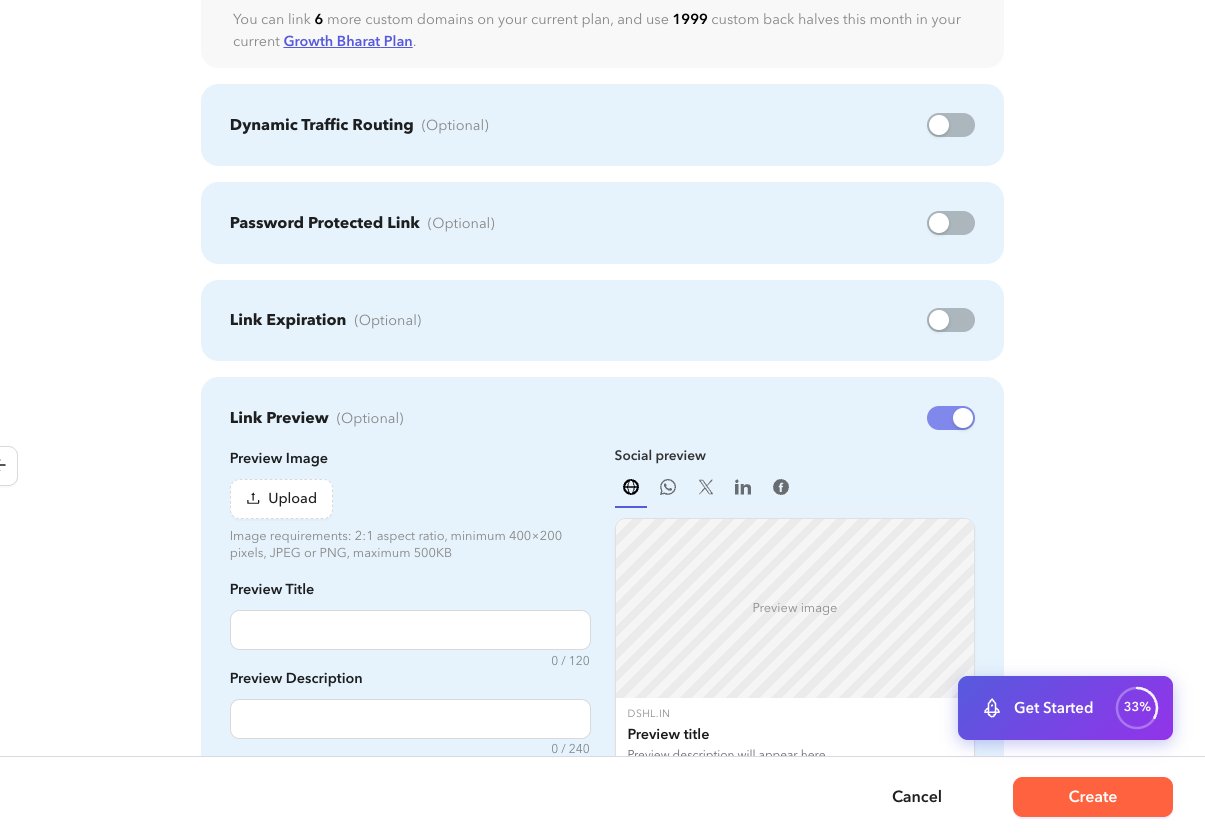
Expand Link Preview on a URL shortlink.
2
Set title and description
Enter Preview Title and Preview Description.
3
Optional image
Upload a preview image when your plan allows it. The form shows a live preview card.
4
Save
Create or update the shortlink.