

Open analytics
1
From the list
Select a shortlink row, or use the Analytics row action. Or open
/app/shortlinks/details?s={id}.2
Set the date range
Choose the analytics date range. Values sync into the URL (
df, dt).3
Apply advanced filters
Filter by country, region, city, browser, device, referrer, UTM dimensions, and more when available on your plan.
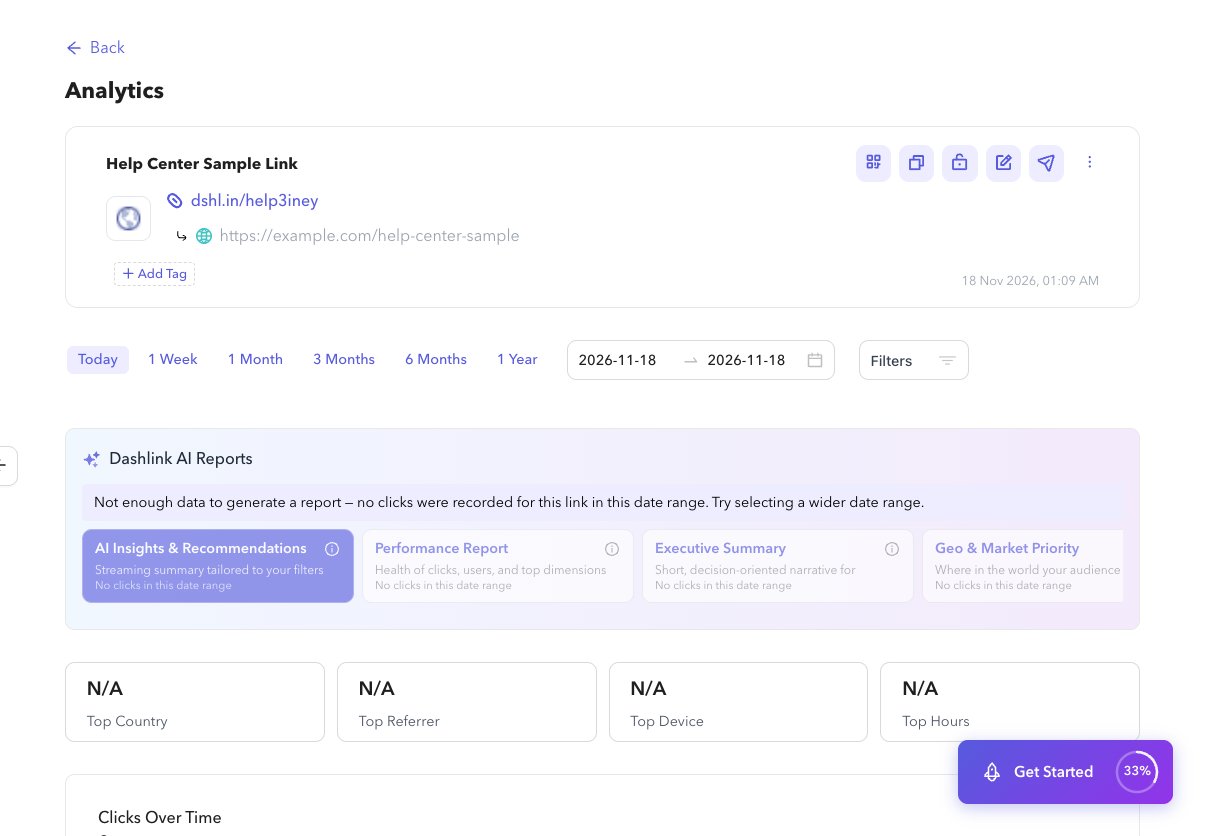
What you see
- KPI cards: top country, referrer, device, and hours
- Charts: clicks and users over time, hours of day, devices, OS, browsers, referrers, location map, top locations
- Dynamic routing breakdown when routing is enabled
- Password click ratio when the link is password protected
- Drill-downs: View all for OS, browsers, referrers, locations, and UTM (
/app/shortlinks/details/analytics/…)