Prerequisites
- Your plan includes QR codes and you have QR capacity remaining.
Steps
1
Open Create QR Code
Go to QR Codes → + Create, or open
/app/qrcode/create.2
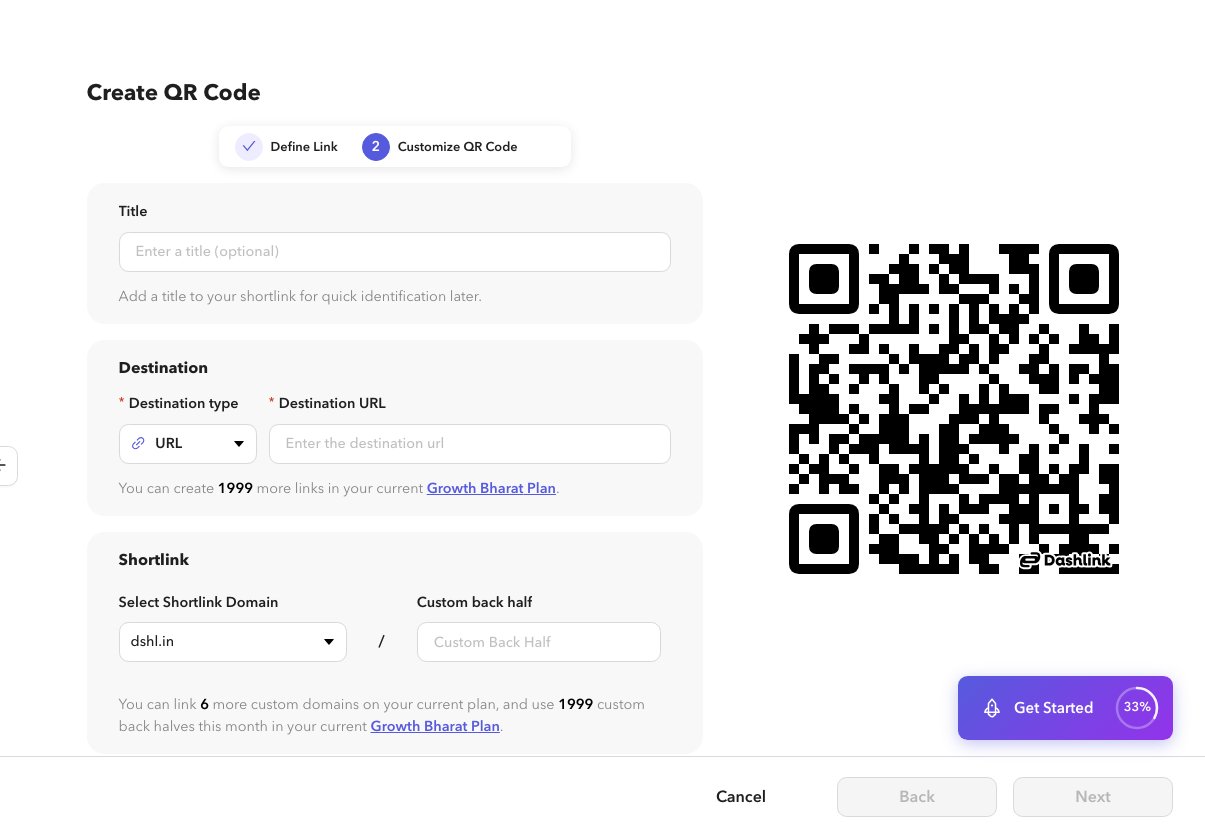
Define the link
Set title, destination type and fields, domain, and optional custom back half. Destination types match shortlink destinations.
3
Customize the QR
Continue to style, colors, logo, and frames. See the Customize articles in this category.
4
Create
Save the QR code. You can download or open details from the list afterward.