Steps
1
Open customize
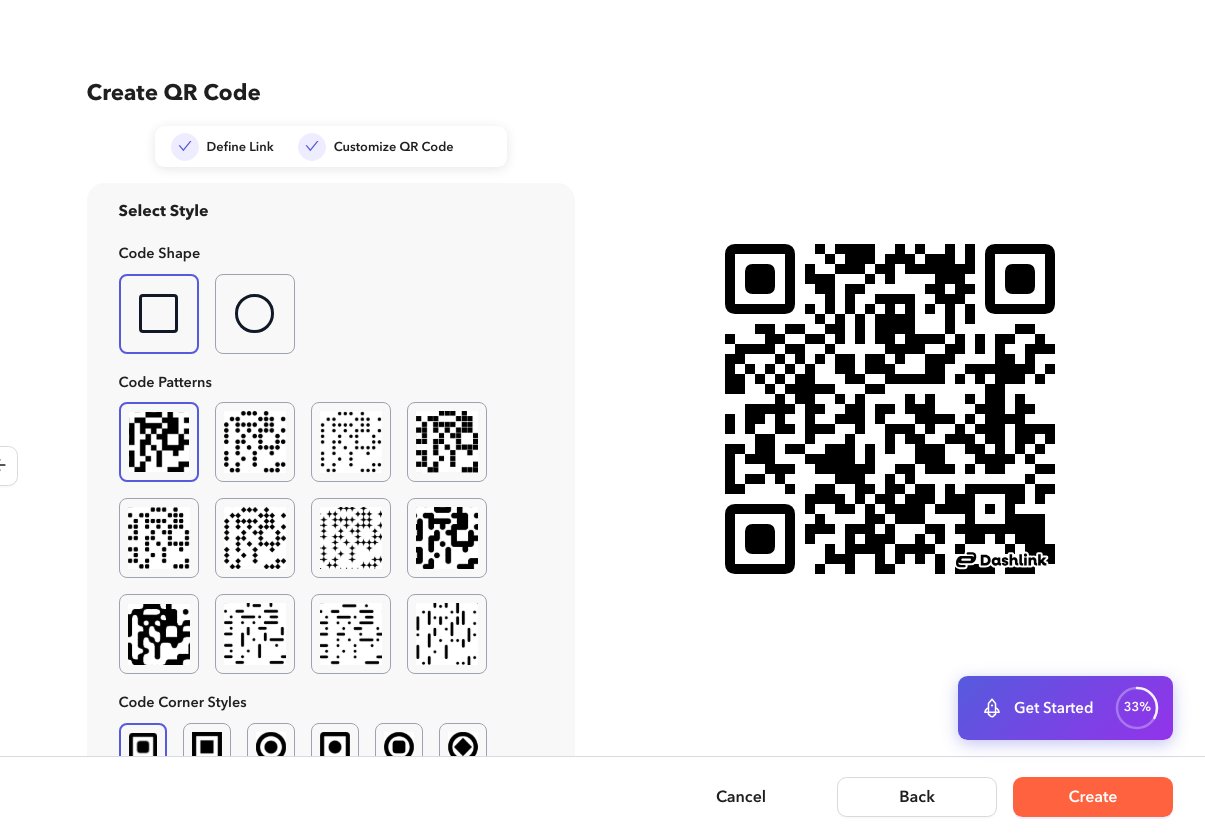
Create or edit a QR code and open the customize step (
/app/qrcode/create or /app/qrcode/edit?q=…).2
Adjust the option
Open create or edit QR, go to the customize step, then set pattern, corners, and shape. Preview updates as you change options.
3
Save
Create or update the QR code.