Steps
1
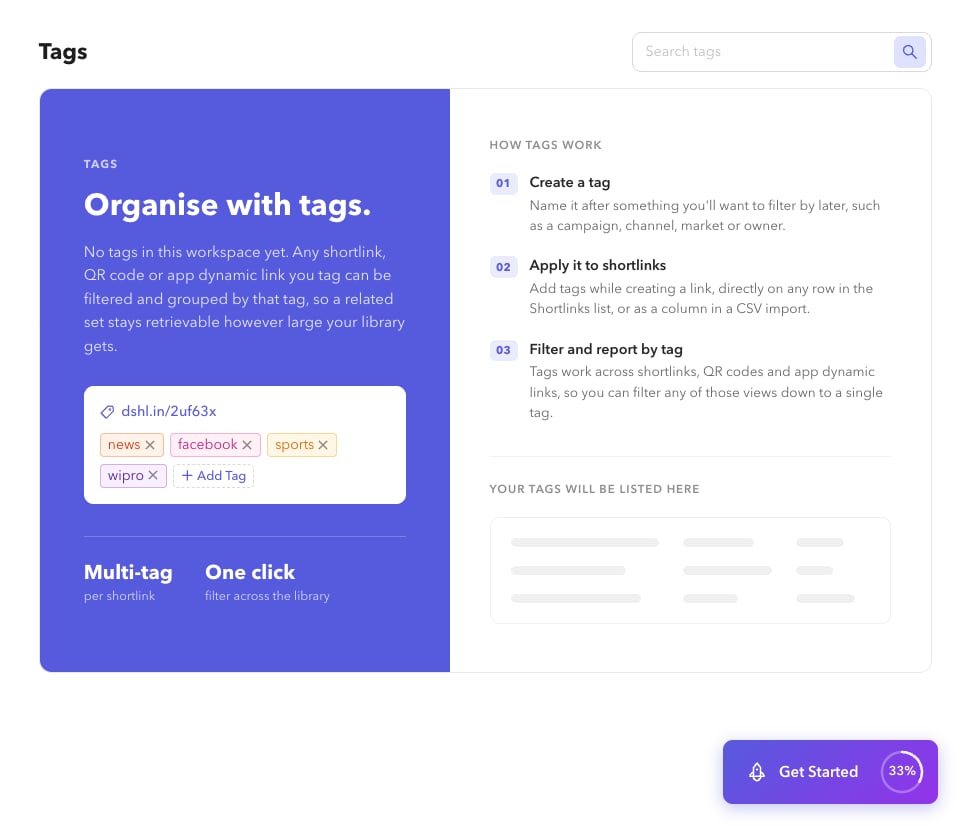
Open Tags
Go to Settings → Tags (
/app/settings/tags).2
Search
Use search to find a tag by name.
3
View shortlinks
Choose View to open
/app/shortlinks?tags={name} with that filter applied.4
Delete a tag
Choose Delete and confirm. This removes the tag from the organisation catalog (confirm the dialog before proceeding).